New to Telerik UI for .NET MAUI? Start a free 30-day trial
.NET MAUI Accordion Item Spacing
Updated over 6 months ago
Through the Spacing (double) property, you can specify the distance between the Accordion items. The default value is 0.
Example
The snippet below shows how the Spacing property can be applied:
xaml
<telerik:RadAccordion CanCollapseAllItems="True"
                      CanExpandMultipleItems="True"
                      AnimationDuration="1500"
                      AnimationEasing="{Static Easing.SpringOut}"
                      Spacing="5">
    <telerik:AccordionItem HeaderText="Attachments" IsExpanded="True">
        <telerik:AccordionItem.Content>
            <Button Text="Attach files" FontSize="20" Margin="10" />
        </telerik:AccordionItem.Content>
    </telerik:AccordionItem>
    <telerik:AccordionItem HeaderText="Comments">
        <telerik:AccordionItem.Content>
            <Label Text="Add your comment here" Margin="30" />
        </telerik:AccordionItem.Content>
    </telerik:AccordionItem>
    <telerik:AccordionItem HeaderText="Rating">
        <telerik:AccordionItem.Content>
            <telerik:RadShapeRating x:Name="rating" Margin="20" />
        </telerik:AccordionItem.Content>
    </telerik:AccordionItem>
</telerik:RadAccordion>
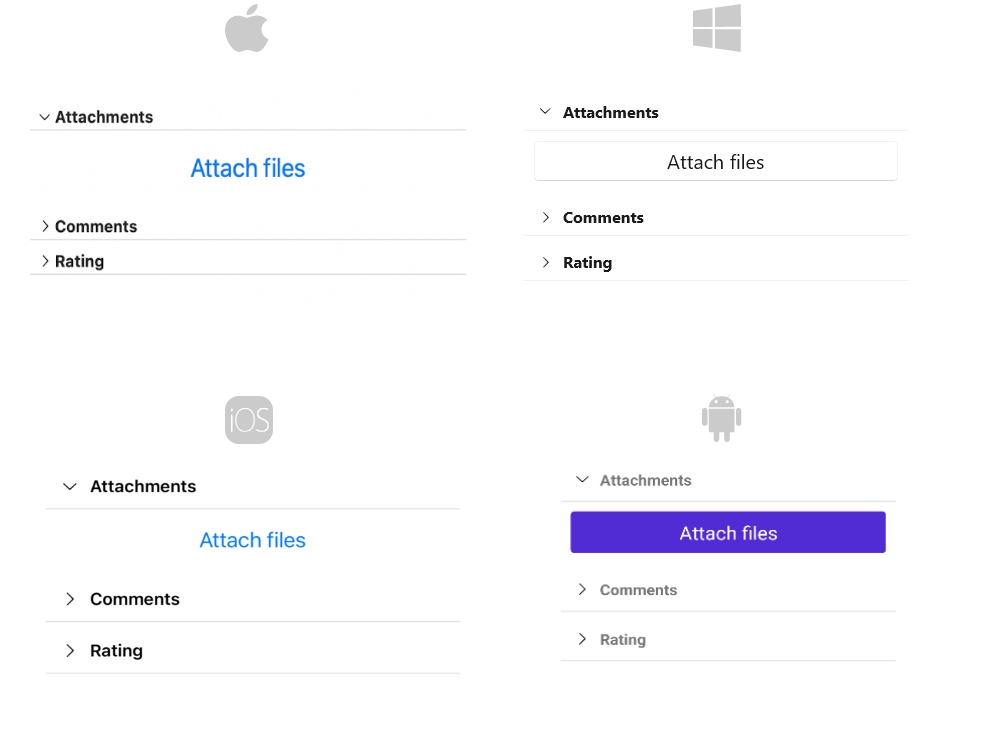
The image below shows the result after running the snippet:
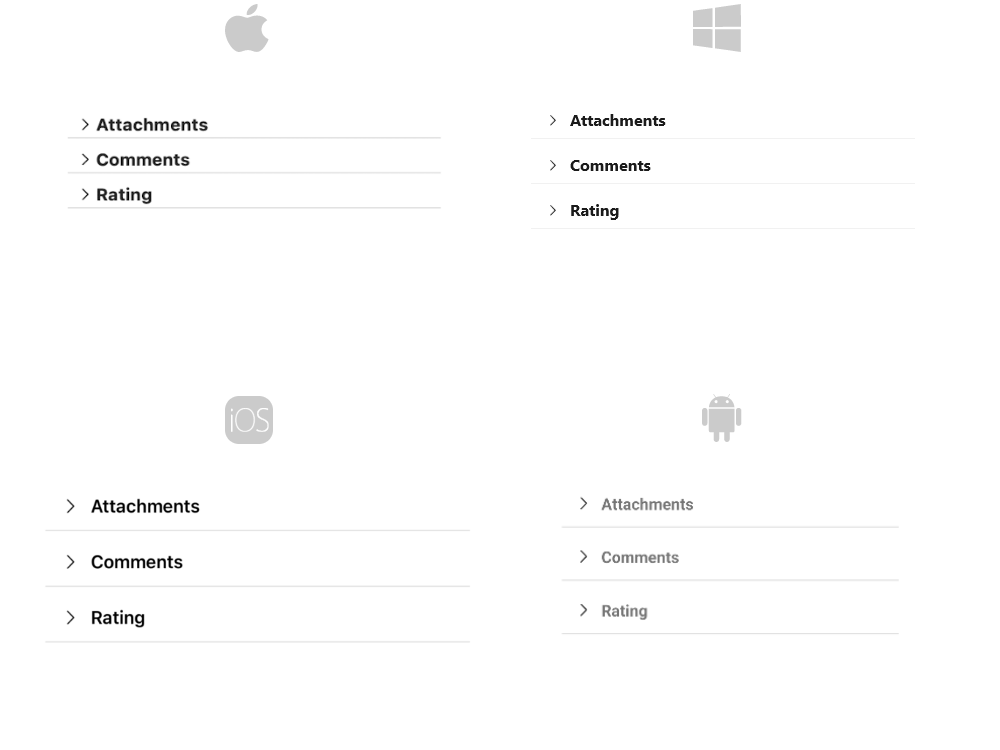
And the Accordion when all items are collapsed: